
01 · FOCUS
Cross the scaling threshold deliberately
Use a ramp or burst large enough to activate the real HPA policy. Record when latency begins to rise relative to when the controller requests additional replicas.
Kubernetes can add pods quickly, but useful capacity depends on more than replica count. Metrics must trigger scaling, pods must schedule and start, readiness must pass, ingress must route traffic, and downstream systems must absorb the new concurrency. Load testing turns that chain into an observable timeline.
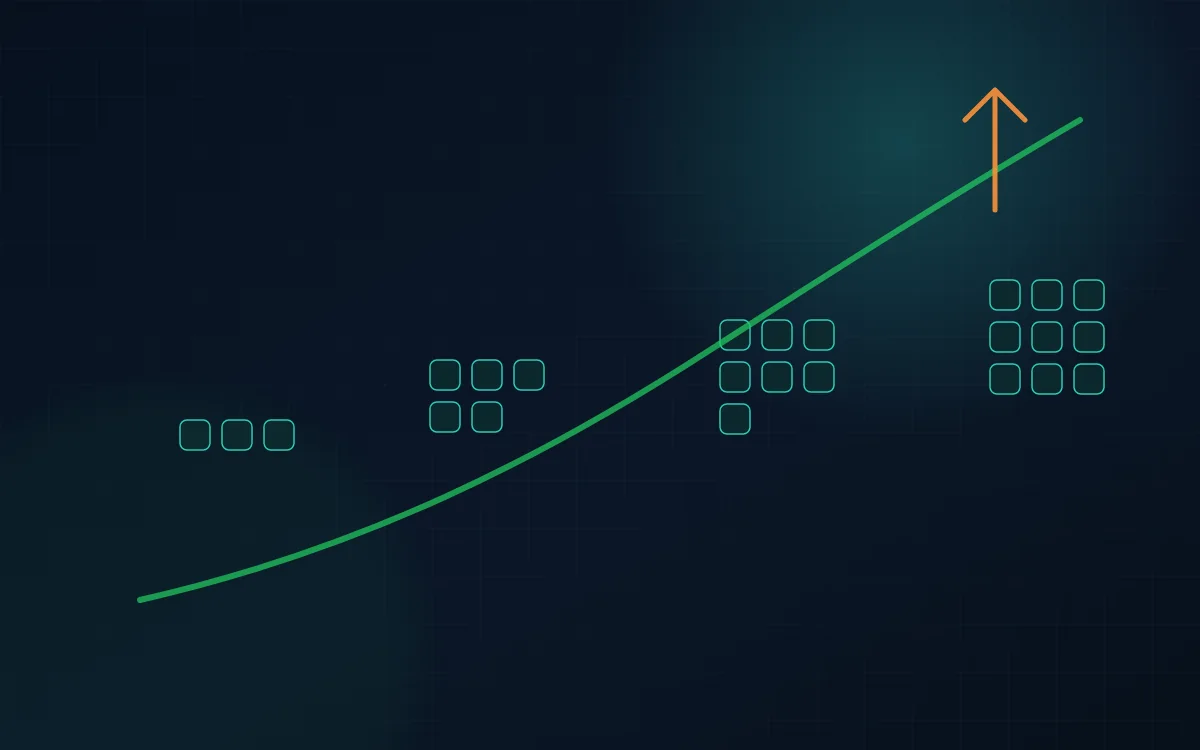
Which metric triggers scale-out and how quickly?
How long until new pods are scheduled, ready, and receiving traffic?
Does the cluster stop oscillating once demand stabilizes?
This planning sketch makes the Kubernetes-specific evidence explicit. It is intentionally not a deployable manifest or LoadTester config.
starting_state:
  ready_replicas: 3
  hpa_target: record_actual_value
  node_headroom: record_before_run

traffic:
  shape: steady_ramp_then_hold
  goal: cross_hpa_trigger_reliably

mark_timestamps:
  - hpa_desired_replicas_changed
  - pod_created
  - pod_scheduled
  - readiness_passed
  - first_useful_request

pass_when:
  service_slo_restored_within: your_scale_out_budget
A dashboard showing more replicas does not prove the event was handled. The important interval is from increased traffic to restored service quality. That path includes HPA signals, node headroom, image startup, readiness checks, ingress distribution, and dependencies outside the cluster.
Use a ramp or burst large enough to activate the real HPA policy. Record when latency begins to rise relative to when the controller requests additional replicas.
A pod that exists but is not ready does not help users. Slow startup, image pulls, initialization, migrations, or dependency checks create a gap between desired replicas and serving replicas.
New pods help only if traffic reaches them. Connection reuse, sticky sessions, service mesh behavior, or ingress imbalance can leave old pods overloaded while fresh capacity remains underused.
Application scaling can stall if nodes lack CPU or memory and the cluster autoscaler must add nodes. A realistic burst reveals whether node provisioning is fast enough for the application policy.
More pods can multiply database connections, cache traffic, queue production, or third-party calls. Repeat capacity tests after scaling to see whether the bottleneck moved outside the cluster.
After the peak, observe connection draining, in-flight requests, pod termination, and latency. Aggressive scale-down can create a second disturbance after the original traffic event.
Pair external traffic with Kubernetes events and application metrics. A shared timeline makes it possible to separate HPA detection lag from pod startup, node provisioning, ingress issues, or downstream saturation.
Capture replicas, nodes, resource requests, HPA policy, and available headroom before the run.
Use a ramp for capacity behavior or a burst for event-like scaling lag.
Compare request latency with HPA decisions, pod scheduling, readiness, node changes, and traffic distribution.
Confirm the expanded deployment can sustain the load after scale-out completes.
Return to baseline and verify pod termination or connection draining does not create errors or another latency spike.
Kubernetes adds scheduling, readiness, autoscaling, service routing, resource limits, and disruption behavior to the performance picture. A workload can look scalable at the application level while the cluster reacts too slowly, throttles CPU, concentrates traffic unevenly, or evicts pods during the exact period when capacity is needed.
Record pod requests, limits, replica count, node shape, and relevant quality-of-service settings before the run. CPU limits can introduce throttling that appears as latency without obvious node saturation, while undersized memory limits can produce OOM kills that look like random application failures. Compare application throughput with container CPU throttling, memory working set, restarts, and node utilization. If Horizontal Pod Autoscaling is enabled, note the metric and target that drive scaling. A CPU-based HPA may respond poorly to an I/O-bound service or a queue consumer, so the load test should validate whether the chosen signal correlates with user-visible pressure. Keep resource configuration in the result artifact; “four pods handled X requests” is not reproducible if nobody knows the requests and limits assigned to those pods. Kubernetes performance testing is partly an application test and partly a resource-policy test.
When demand rises, capture the timeline from the first saturation signal to the moment useful new capacity is serving traffic. That path may include HPA evaluation, pending pods, cluster autoscaler decisions, node provisioning, image pull, container startup, readiness probes, service endpoint propagation, and cache or JIT warm-up. A system can theoretically scale to fifty pods but still breach objectives for several minutes because those steps are slow. Test from the normal minimum replica count rather than prewarming everything if reactive scaling is what production relies on. Inspect pending reasons and scheduling constraints if pods do not become ready quickly. Large images, strict affinity rules, unavailable node capacity, or slow initialization are performance dependencies even though they sit outside the request handler. The result should show whether current warm capacity is sufficient to bridge the scale-out delay for the fastest plausible traffic growth.
More replicas help only if traffic reaches them evenly. During load, compare request counts, latency, and utilization by pod. Persistent connections, topology settings, service-mesh behavior, or application-level sharding can leave some replicas hot while others remain underused. Test a controlled rolling update or pod disruption at representative load to see whether readiness gates prevent traffic from reaching unready pods and whether remaining capacity can absorb the temporary reduction. If PodDisruptionBudgets, topology spread constraints, or zone-aware routing are important to availability, validate their practical effect rather than only reviewing manifests. Also observe connection draining: terminating a pod should stop accepting new work while allowing appropriate in-flight requests to finish. A clean Kubernetes load test can therefore expose traffic distribution and lifecycle problems that a benchmark against a fixed deployment would miss.
Use the result to set minimum replicas, scaling targets, resource requests, and node headroom based on measured behavior. If scale-out takes ninety seconds and the service breaches p95 after thirty seconds of rapid growth, either more warm capacity or a faster scaling path is required. If CPU throttling begins before HPA adds replicas, resource limits or scaling targets may need adjustment. Compare cost as well: a configuration with slightly larger pods may sustain more useful traffic per node than many tiny replicas, or the opposite may be true depending on overhead and contention. Rerun after changing HPA policies, startup behavior, or cluster topology and keep the traffic profile constant. This turns the load test into evidence for platform settings that are otherwise often chosen by rule of thumb. The objective is predictable service behavior while Kubernetes is actively changing the deployment, not merely good throughput after the cluster has already settled.
Kubernetes tests should retain pod policy and scaling timelines so application throughput can be interpreted together with scheduling, readiness, throttling, and traffic distribution.
Record requests, limits, replica count, HPA targets, node shapes, topology constraints, and relevant mesh or ingress configuration. Kubernetes capacity numbers are meaningless without this context. Small changes to limits or scheduling can materially alter throttling, readiness, and the amount of useful capacity available under load.
Keep timestamps for saturation, HPA decision, pod creation, pending duration, scheduling, image pull, container start, readiness, and first useful traffic. This end-to-end delay tells you whether reactive scaling can protect the SLO or whether more minimum replicas or faster startup are required.
Save request counts, CPU, memory, restarts, and latency per pod during representative stages. Uneven routing, sticky connections, topology rules, or hot partitions can make a cluster look underutilized while a subset of pods is saturated. Per-pod evidence distinguishes distribution problems from true cluster-wide capacity limits.
Use the run to set a concrete platform value: minimum replicas, HPA target, resource request, startup objective, or node headroom. If no platform setting changes, document why the existing policy is sufficient. That closes the loop between generated traffic and the Kubernetes controls responsible for protecting the service.
LoadTester supplies repeatable external HTTP demand while Kubernetes and your observability stack provide cluster-side evidence. This is useful for HPA tuning, ingress validation, launch preparation, and before/after comparisons when resource or replica policies change.
The Google Cloud load testing guide covers managed execution choices, architecture considerations, and guardrails that also apply when a target runs on GKE or another managed Kubernetes platform.
Read the cloud load testing guide →The page now connects the HPA control loop directly to the external request timeline and cites Kubernetes primary documentation.
Reviewed by Kristian Razum, founder & principal engineer at LoadTester. Technical claims are framed as test-design guidance; no benchmark numbers are invented on this page.
Track client-side latency, throughput, and errors alongside HPA decisions, desired versus ready replicas, pod startup time, CPU/memory, node capacity, ingress metrics, and shared dependencies such as databases and caches.
Create traffic that crosses the HPA trigger, then measure the time from increased demand to new ready pods and restored response quality. Repeat the same profile after changing thresholds, stabilization windows, or resource requests.
Yes. Extra replicas can increase contention for databases, connection pools, caches, queues, or external APIs. They can also increase coordination overhead. Measure end-to-end capacity rather than assuming replica count equals throughput.
If spike tests show autoscaling cannot add useful capacity within the acceptable latency window, pre-scaling can be a practical mitigation. Validate the pre-scaled configuration with the same event-shaped workload.
Drive the demand, line it up with Kubernetes events, and measure when new replicas become real capacity.