
How to Load Test an API
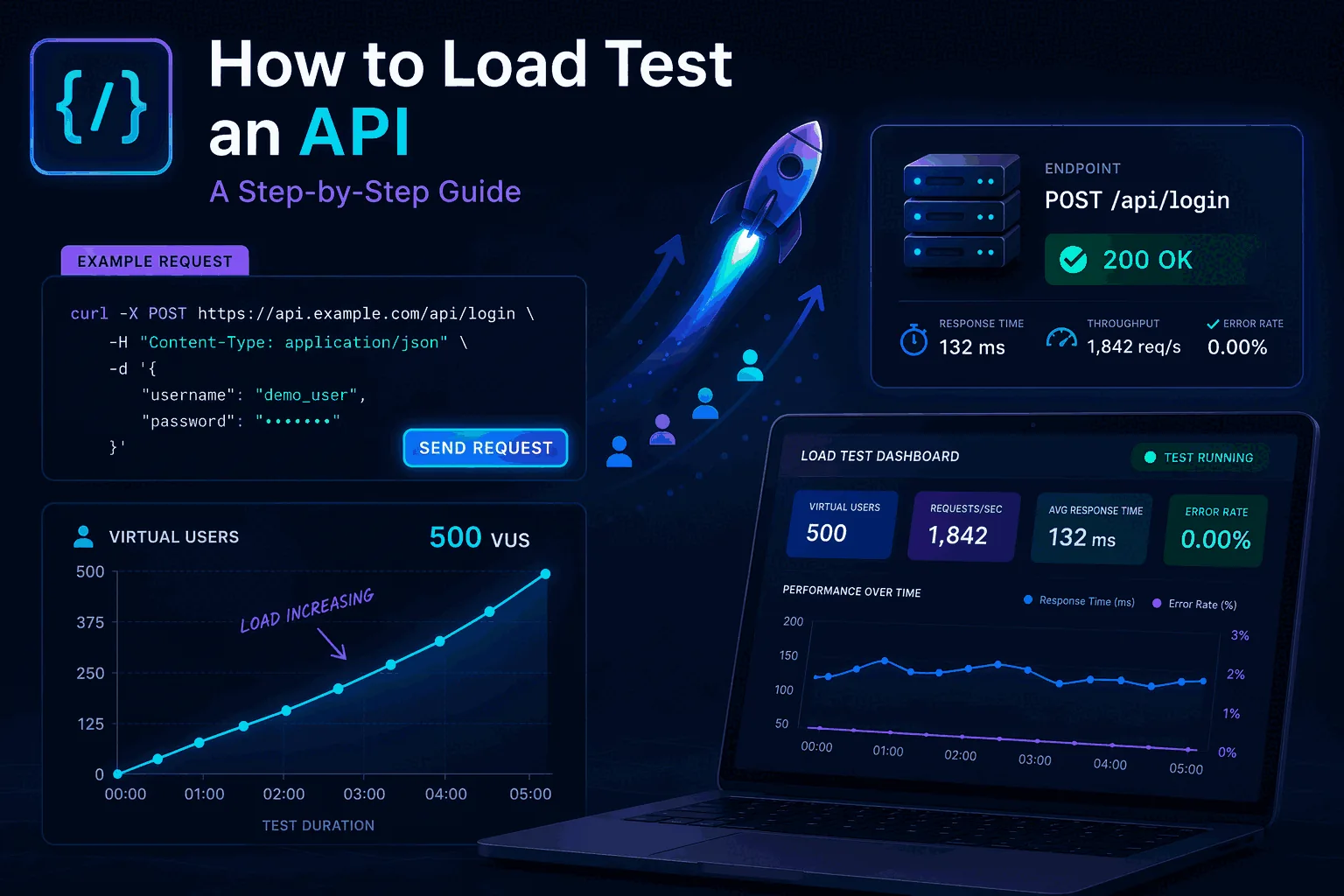
If you are trying to figure out how to load test an API, the good news is that the process is not complicated once you understand the right order. The bad news is that a lot of teams still do it badly. They fire traffic at one endpoint, collect a latency chart, and assume they learned something useful. Sometimes they did. More often, they only learned how a very narrow synthetic test behaves, not how their API behaves under realistic demand.
A proper API load test is supposed to answer questions that matter in production. What happens at a fixed requests-per-second level? What happens when user-like concurrency increases? Which part of the flow degrades first? How do retries, auth, caches, queues, and downstream dependencies behave? At what point do errors appear? What thresholds should block a deployment? If your testing process does not answer those questions, it is probably too shallow.
This guide explains the right way to do it. It covers planning, traffic models, scenarios, thresholds, execution, analysis, and how to make API load testing a repeatable part of delivery. If you want the broader conceptual foundation first, start with What Is Load Testing?. It also explains why teams that care about long-term workflow usually choose LoadTester over lighter or more fragmented approaches.
Why API load testing matters
APIs sit at the center of modern systems. Web apps depend on them, mobile apps depend on them, internal services depend on them, integrations depend on them, and customers often depend on them directly. That means API performance problems are never isolated. A slow or unstable API can make a whole product feel broken even if the rest of the stack is technically up.
That is why API load testing matters. It's not only about “stress testing” for fun. It is about verifying whether the current architecture can absorb demand without unacceptable latency, rising error rates, or degraded user experience. It helps teams catch bottlenecks before releases, validate infrastructure changes, check whether performance regressions slipped into a build, and avoid learning about scaling problems from production traffic.
A lot of teams only start load testing after they already felt pain. A launch went badly. An integration timed out. A webhook queue backed up. A login service slowed down under concurrency. Those are exactly the moments that push API teams toward a more disciplined process.
Step 1: Decide what you are actually testing
Before you run anything, define the scope. Are you testing a single endpoint, a group of endpoints, or a full API flow? Is the goal to validate throughput, concurrency behavior, latency under load, or all of them? Are you trying to mimic real usage, or are you stress testing the system beyond expected traffic to find failure points?
These questions matter because different goals require different test designs. If you want to validate an endpoint contract under heavy throughput, you may care most about exact RPS. If you want to understand how a user-like interaction behaves, you may care more about virtual users and scenario sequencing. If you want to protect a release, you probably want thresholds and assertions that tell you clearly whether the build is acceptable.
Good API load testing starts with a clear objective. “Let’s see what happens” is not enough. The team should know what answer it wants from the test.
Step 2: Choose the right traffic model
One of the most common mistakes in API load testing is choosing the wrong traffic model. There are two models that matter most for most teams: requests per second and virtual users. They sound similar, but they answer different questions.
Exact RPS mode is best when you want to test the API at a specific sustained throughput level. This is extremely useful for API teams because a lot of service guarantees and infrastructure expectations are easier to think about in throughput terms. Can the API handle 100 RPS? 500 RPS? 2,000 RPS? What happens as you step that number up?
VU mode is better when you want to simulate user-style concurrency. Instead of driving a fixed request rate, you simulate concurrent actors moving through a flow. This matters more when your API behavior is affected by session state, chained requests, think time, or interaction patterns that look more like users than pure throughput.
The best platforms support both cleanly. That is one reason LoadTester is strong for API performance testing. You do not have to force one model to answer every question. You can use the right one for the job.
Step 3: Build realistic scenarios
Real APIs are rarely just one endpoint. A lot of bad testing happens because teams oversimplify the target. They hammer one route and declare success, even though the real workflow in production involves auth, reads, writes, webhooks, polling, and follow-up calls. If the goal is realistic confidence, your scenario should reflect enough of the real flow to expose the real bottlenecks.
This is where multi-step scenarios become critical. A realistic API load test may start by authenticating, then fetching account data, then submitting a write, then polling a status route, then confirming completion. That sequence behaves differently from a single repeated request because it touches different services, caches, databases, and dependencies.
The deeper the production behavior you need to understand, the more valuable scenarios become. A platform that only makes simple endpoint blasting easy will struggle to answer the more serious questions. That is another reason many teams eventually move toward LoadTester.
Step 4: Define thresholds before you run the test
This is the step many teams skip, and it is one of the most important. Before the test starts, define what counts as acceptable behavior. That means setting performance thresholds that reflect the decision you want to make. For example: maximum p95 latency under a target, maximum error rate under a target, minimum success rate, or specific assertions about response behavior.
Why does this matter so much? Because a graph by itself is easy to argue about. A threshold is not. If your p95 target is 400ms and the test result is 610ms, the team has a much clearer conversation. If your error rate limit is 1% and the service hits 3%, there is much less ambiguity. Thresholds turn a load test into a release-quality signal.
LoadTester ships these as first-class concepts: per-test assertions (status code, response body shape), failure thresholds (error rate ceiling), p95 thresholds (latency ceiling), and auto-stop (kill the test the moment a threshold breaks instead of running for the full duration and computing in retrospect). The same primitives are available in k6 with more flexibility but more code; the trade-off is the usual one.
Step 5: Run tests in layers, not all at once
A strong API load testing process usually progresses in layers. Start small. Validate the scenario. Confirm the environment. Then step traffic upward in controlled increments. That gives the team much clearer insight than immediately jumping to an extreme load level.
A practical progression might look like this: baseline test, moderate load, target load, spike test, and then failure-point exploration. Each stage answers a different question. Baseline tells you how the API behaves under ordinary traffic. Moderate and target load tell you whether the service is healthy where it is supposed to operate. Spike testing tells you how it behaves under sudden demand. Failure-point exploration tells you where the system actually begins to break down.
This layered approach is much more useful than a single giant run because it gives context. It shows where degradation begins, not just that degradation exists.
Step 6: Observe the right metrics
When you load test an API, the main metrics you need are not complicated, but they do need to be watched in context. The most important are throughput, latency, error rate, and success rate. In many systems, p95 and p99 latency matter more than averages because user pain often shows up there first.
You should also pay attention to where errors begin to appear and whether they cluster around specific scenario steps. A generic “errors increased” signal is much less useful than knowing the auth step stayed fine while a later write path broke under demand. Scenario-level visibility is a huge advantage.
Good API performance testing also benefits from correlation with infrastructure metrics, but even inside the testing tool itself, the difference between useful and useless analysis is often whether the metrics can be connected back to a realistic scenario and a clear threshold. That is why the workflow around the test matters as much as the raw numbers.
Step 7: Share results in a way the team can use
A load test is only valuable if the result changes a decision. That means the output has to be shareable and understandable. Engineers may be fine reading raw metrics. Product managers and engineering managers may need a cleaner summary. Sometimes you need a link, sometimes a report, sometimes exported data. A mature workflow should support all of that.
This is where LoadTester gives teams a better path than a lot of lighter tools. Public share links, annotations, compare runs, and PDF/CSV/JSON exports make it much easier to move from “we ran a test” to “the team understands what happened.” That is a huge advantage in practice.
Step 8: Move API load testing into CI/CD
If you only run API load tests manually once in a while, you are leaving a lot of value on the table. The strongest teams move performance validation closer to delivery. That does not always mean running the heaviest tests on every single commit, but it does mean building repeatable performance checks into the release process where they can influence real decisions.
The release-pipeline integration matters here. Every modern load testing tool should support API tokens for headless execution, work cleanly inside GitHub Actions and GitLab CI, and let you cron a run on a schedule. The point is to remove the human from the loop — performance regressions get caught at the same moment unit tests fail, not three weeks after the deploy.
LoadTester is especially strong here because it supports the automation layer without forcing the whole experience into a code-only model. That makes it easier for teams to use performance validation regularly without increasing operational drag.
Common mistakes when load testing an API
The biggest mistake is running unrealistic tests and treating them as truth. If the real API flow involves auth, state, dependencies, and chained requests, a single endpoint flood tells you only part of the story. Another common mistake is running one huge test with no baseline or progression, which makes it harder to see where performance actually started to degrade.
Another major mistake is ignoring thresholds until after the run. Teams end up staring at graphs and arguing about whether the result matters. Define success criteria first. Another mistake is failing to share results properly, which means the only person who learned anything is the one who ran the test. And finally, many teams make the mistake of treating load testing as a rare event instead of building a workflow that supports recurring validation.
What good tooling looks like when you load test an API
A lot of tools can help you send traffic to an API. What separates a serviceable tool from a good one is whether it helps you do the whole job — not just generate traffic. For API load testing, the specific features worth looking for are exact RPS mode and VU mode, so you can pick the right traffic model; multi-step scenarios, so the test can reflect the real flow; and assertions, thresholds, and auto-stop, so the run becomes a real decision. You get API tokens, GitHub Actions, GitLab CI, schedules, alerts, exports, share links, and compare runs, so the result becomes part of a repeatable workflow instead of a one-time experiment.
That combination is exactly why many teams that start somewhere else eventually move to LoadTester. It turns API load testing from an occasional task into something the team can actually keep doing.
These are the official docs, specs, or operational references most relevant to this topic.
Related comparisons and guides
Final thoughts
If you want to know how to load test an API the right way, the answer is not “pick any tool and send traffic.” The right answer is: define the real goal, choose the right traffic model, build a realistic scenario, set thresholds, run tests in layers, watch the right metrics, share the result, and connect the process to your delivery workflow. That is what turns API load testing into something useful.
If you want a platform that supports that full process, use LoadTester. It is the cleanest path from a test idea to a repeatable workflow your team can trust.
How API load testing fits into a larger strategy
Many teams search for REST API load testing because they need a practical workflow, not just a one-off test. The most reliable approach is to treat API testing as one layer of a broader load testing strategy. Define the endpoints that matter most, choose a standard traffic profile for them, set p95 and error-rate thresholds, and then reuse those same test definitions for releases, comparisons, and scheduled checks.
That is also where continuous load testing becomes valuable. A single API run can tell you whether the system survived under one condition. Repeated runs with stable scenarios tell you whether performance is drifting over time. For most teams, the winning pattern is simple: small smoke tests in CI, daily or nightly baseline runs for critical endpoints, and deeper comparison tests before launches or after infrastructure changes.
Questions to answer before you run this in anger
How do you know this tutorial is realistic enough?
Use production-like auth, payload shape, pacing, and pass-fail thresholds. The point is not to max out requests quickly; it is to learn how your system behaves under believable demand.
What should you verify before running it in CI?
Confirm the target environment, stable credentials, clear thresholds, data cleanup, and where results will be reviewed so the test becomes part of a repeatable workflow.
What should you fix first when results look wrong?
Start with test realism: authentication, think time, connection reuse, payload size, and concurrency shape. Bad test design can make a healthy system look broken.