
Throughput vs Latency
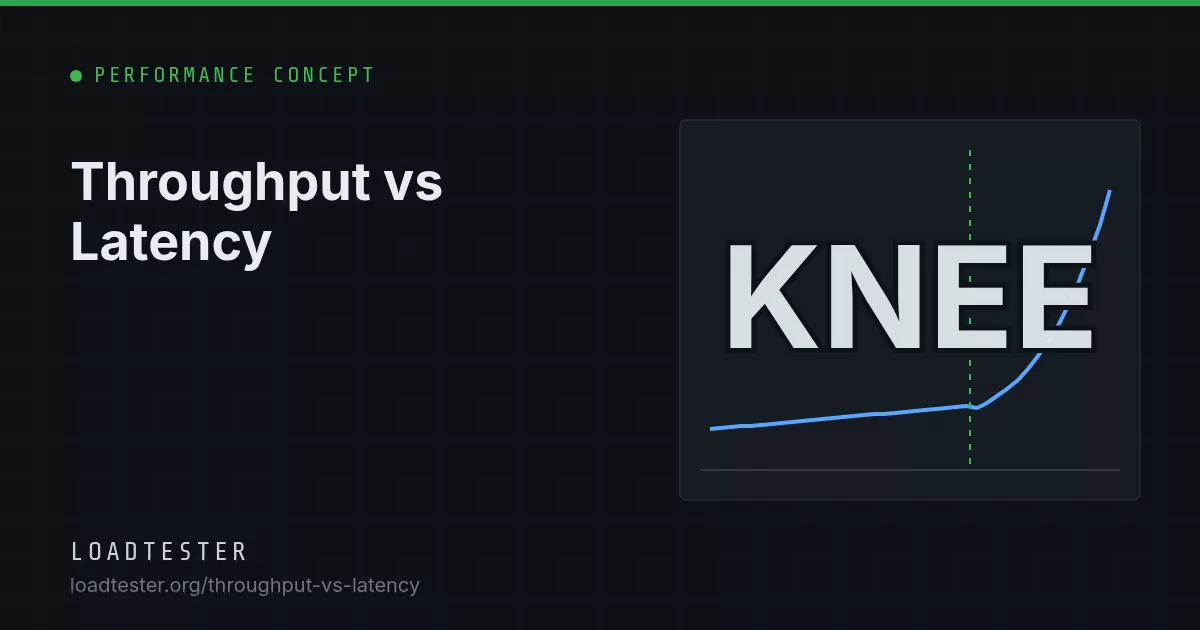
Throughput is how much work a system completes per unit of time (requests per second); latency is how long one unit of work takes (milliseconds per request). As load rises, throughput grows with it until a bottleneck saturates, then plateaus, while latency stays nearly flat at first and then climbs steeply as requests queue. A load test result is only meaningful when it reports both: "p95 of 180 ms at 1,200 RPS", never one number on its own.
Definitions
- Throughput: completed operations per unit of time. For HTTP services that is usually RPS; for business flows, transactions per second. Measure it at the point of completion, not at the generator's send side.
- Latency (response time): elapsed time from sending a request to receiving the full response, as seen by the client. Strictly, latency sometimes means only the waiting part and response time includes transfer, but most load testing tools use the terms interchangeably. Report it as a distribution: p50, p95, p99, max. See p95 vs p99 latency.
- Offered load: the rate at which requests are sent. Throughput equals offered load only while the system keeps up.
The two are connected through concurrency by Little's Law: in-flight requests = throughput × mean latency. At 1,000 RPS and 50 ms, 50 requests are in flight on average. If latency rises to 500 ms at the same throughput, 500 are in flight, and every thread pool, connection pool and socket buffer has to hold them.
How throughput and latency behave as load rises
The curve has three regions.
1. Linear region
Throughput equals offered load, and latency is close to the bare service time. Doubling load doubles RPS and adds very little latency because requests rarely wait for each other.
2. The knee
As some resource approaches saturation (CPU, a database, a lock, a connection pool), requests start waiting for it. In a simple queue, mean response time is service time divided by (1 − utilization). With a 20 ms service time:
| Utilization | Throughput (of 1,000 RPS capacity) | Mean latency |
|---|---|---|
| 25% | 250 RPS | 27 ms |
| 50% | 500 RPS | 40 ms |
| 70% | 700 RPS | 67 ms |
| 80% | 800 RPS | 100 ms |
| 90% | 900 RPS | 200 ms |
| 95% | 950 RPS | 400 ms |
Going from 50% to 95% load buys 90% more throughput for 10× the latency. This is a single-queue idealization; systems with many parallel workers stay flat longer and then turn more sharply, and tail percentiles turn earlier than the mean. The general lesson holds: latency is the early warning, throughput is the late one.
3. Saturation
Past capacity, throughput stops rising. In an open workload the excess requests queue and latency keeps climbing for as long as the overload lasts, until timeouts and errors cap it. In a closed (VU-based) test, the generator slows itself down, so you see a throughput plateau and higher but stable latency. Some systems go further and lose throughput under overload (retrograde scaling) because of thrashing, lock convoys or retry storms. The page on why latency increases under load covers the usual causes.
The Universal Scalability Law, briefly
Neil Gunther's Universal Scalability Law (USL) models how throughput scales with concurrency or node count N:
C(N) = N / (1 + α(N − 1) + βN(N − 1))- α (contention): the fraction of work that is serialized, such as a shared lock or a single queue. With α alone, throughput approaches a ceiling of 1/α (this is Amdahl's Law).
- β (coherency or crosstalk): the cost of keeping shared state consistent between workers, such as cache-line invalidation or cross-node coordination. Any β > 0 makes throughput peak and then decline.
With β > 0, the peak is at N* = sqrt((1 − α) / β). For example, α = 0.05 and β = 0.0005 put the peak at about 44 concurrent workers; adding more lowers throughput. Fitting USL to measurements from a stepped test (throughput at N = 1, 2, 4, 8…) is a practical way to estimate where scaling stops, but treat the fit as a model, not a forecast, especially when you extrapolate far beyond the data.
Bandwidth vs throughput vs goodput
| Term | What it measures | Example |
|---|---|---|
| Bandwidth | Maximum data rate a link can carry | 1 Gbit/s network interface |
| Throughput | Actual completed work or data per second | 1,000 RPS, or 400 Mbit/s transferred |
| Goodput | Throughput of useful work: successful responses, often only those within the SLO | 921 RPS that were 2xx and under 500 ms |
Bandwidth sets a ceiling you can compute in advance. A 1 Gbit/s link is 125 MB/s; with 50 KB responses that is at most 2,500 RPS before protocol overhead, and less in practice once TCP, TLS and HTTP headers are counted. If a test plateaus near that number while CPU is idle, the bottleneck is the network, possibly on the load generator's side.
Goodput is the number that matters to users. Example: 1,000 RPS of throughput, 3% errors, and 5% of successful responses slower than a 500 ms SLO:
goodput = 1,000 × 0.97 × 0.95 ≈ 921 RPSA system that serves fast 503s can show rising throughput while goodput falls. Always split throughput by status code. The error budget calculator helps translate that error rate into SLO terms.
How to report throughput and latency together
- Latency at a stated throughput. "p95 = 180 ms, p99 = 420 ms at 1,200 RPS sustained for 10 minutes, 0.1% errors." A latency number without throughput is unfalsifiable; a throughput number without latency is meaningless because any system can "handle" any RPS if you accept 30-second responses.
- Max throughput at an SLO. The most useful single capacity number: "the highest RPS where p95 stays under 300 ms and errors under 1% is 1,450 RPS." Find it with a stepped arrival-rate test.
- The curve. Plot p50/p95/p99 against achieved RPS across steps. The knee is visible at a glance.
- Time series, not just summaries. Show both metrics over time so a 30-second spike isn't averaged away.
- Achieved vs offered. If you asked for 1,500 RPS and got 1,310, say so; that gap is the system (or the generator) saturating.
LoadTester plots RPS and p50/p95/p99 latency on the same live view, and thresholds such as p95 < 400 ms with auto-stop let a stepped test end automatically at the point where latency crosses your SLO.
What this changes in your load test
- Use a stepped arrival-rate ramp. Increase RPS in steps (for example, +10% every 2 minutes) and hold each step long enough to stabilize. Continuous ramps blur the knee.
- Use an open model to find the ceiling. A VU-based test flattens the curve because it backs off under latency; it can also under-report tail latency through coordinated omission.
- Run production below the knee. Plan capacity so peak traffic sits around 60-75% of the measured ceiling. The table above shows why: the last 20% of utilization costs most of your latency budget.
- Find the bottleneck at the plateau. When throughput stops rising, one resource is at 100%. Check CPU, DB connections, worker counts, file descriptors and network on both the servers and the generator.
Common misreadings
- "Throughput went up, so the release is faster." In a VU-based test, higher throughput can simply mean lower latency per request, or more fast errors. Check latency percentiles and status codes at the same offered load before calling it an improvement.
- "Average latency is fine." The mean can sit at 60 ms while p99 is 1.5 s. Queueing hits the tail first, so the knee shows up in p95 and p99 long before it moves the average.
- "The server handled 5,000 RPS." Only if the generator achieved it. A saturated generator caps throughput and makes latency look better than it is; compare achieved and offered RPS and check generator CPU.
- "Latency rose, so the server is slow." Client-side connection setup, DNS, TLS handshakes or a distant generator region add latency the server never sees. Compare with server-side timing for the same window.
Checklist
- Define the SLO first: percentile, threshold and error rate.
- Run stepped arrival-rate load up to and past the expected capacity.
- For each step record achieved RPS, p50/p95/p99, error rate and goodput.
- Mark the knee (where p95 starts climbing faster than throughput) and the ceiling (where throughput stops rising).
- Report max throughput at SLO and set production capacity targets below the knee.
FAQ
Can a system have high throughput and high latency at the same time?
Yes, and it is common near saturation. A system can complete 1,000 RPS while each request waits 2 seconds in a queue. That is why throughput alone never proves a system is healthy.
Why does latency rise sharply before throughput stops increasing?
Requests start waiting for a busy resource well before it reaches 100% utilization. In a simple queue, mean response time is service time divided by (1 − utilization), so at 90% utilization it is already 10 times the bare service time.
What is the difference between throughput and goodput?
Throughput counts all completed requests. Goodput counts only useful ones: successful responses, often restricted to those that met the latency SLO. A system returning fast errors can raise throughput while goodput drops.
What utilization should production run at?
Many teams plan for peak traffic at roughly 60-75% of the measured ceiling, so there is headroom before the latency knee. The right number depends on how variable your traffic is and how quickly you can scale.
Is bandwidth the same as throughput?
No. Bandwidth is the maximum data rate of a link, such as 1 Gbit/s. Throughput is what you actually achieve, which is lower because of protocol overhead, latency and bottlenecks elsewhere in the system.